🏠
Home Account
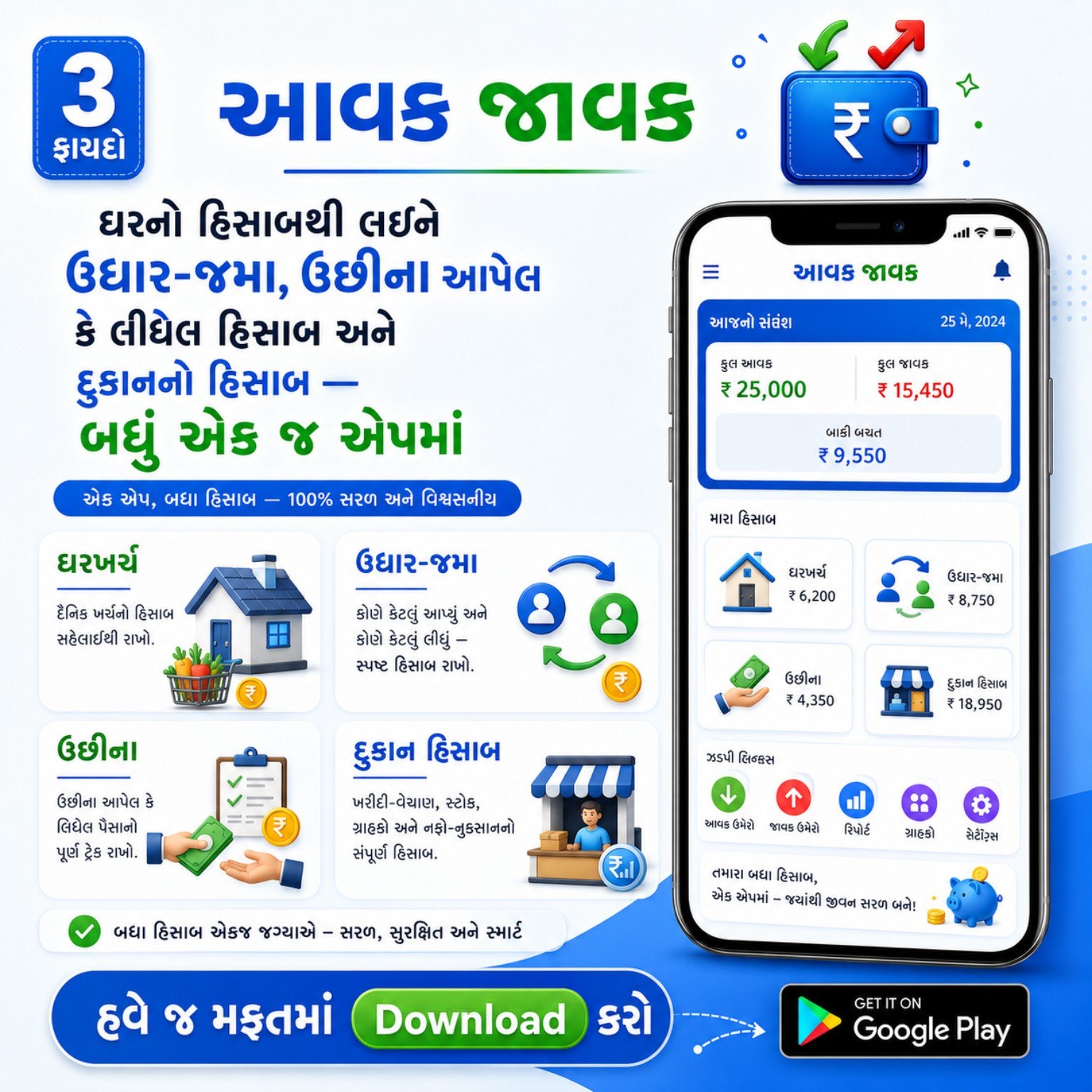
Track daily income and expenses of your household with clear totals and easy category-based entry.
Aavak Javak helps you save every rupee entry, understand reports, set reminders, share account details, export to Excel, print reports and optionally keep backup in Google Drive.
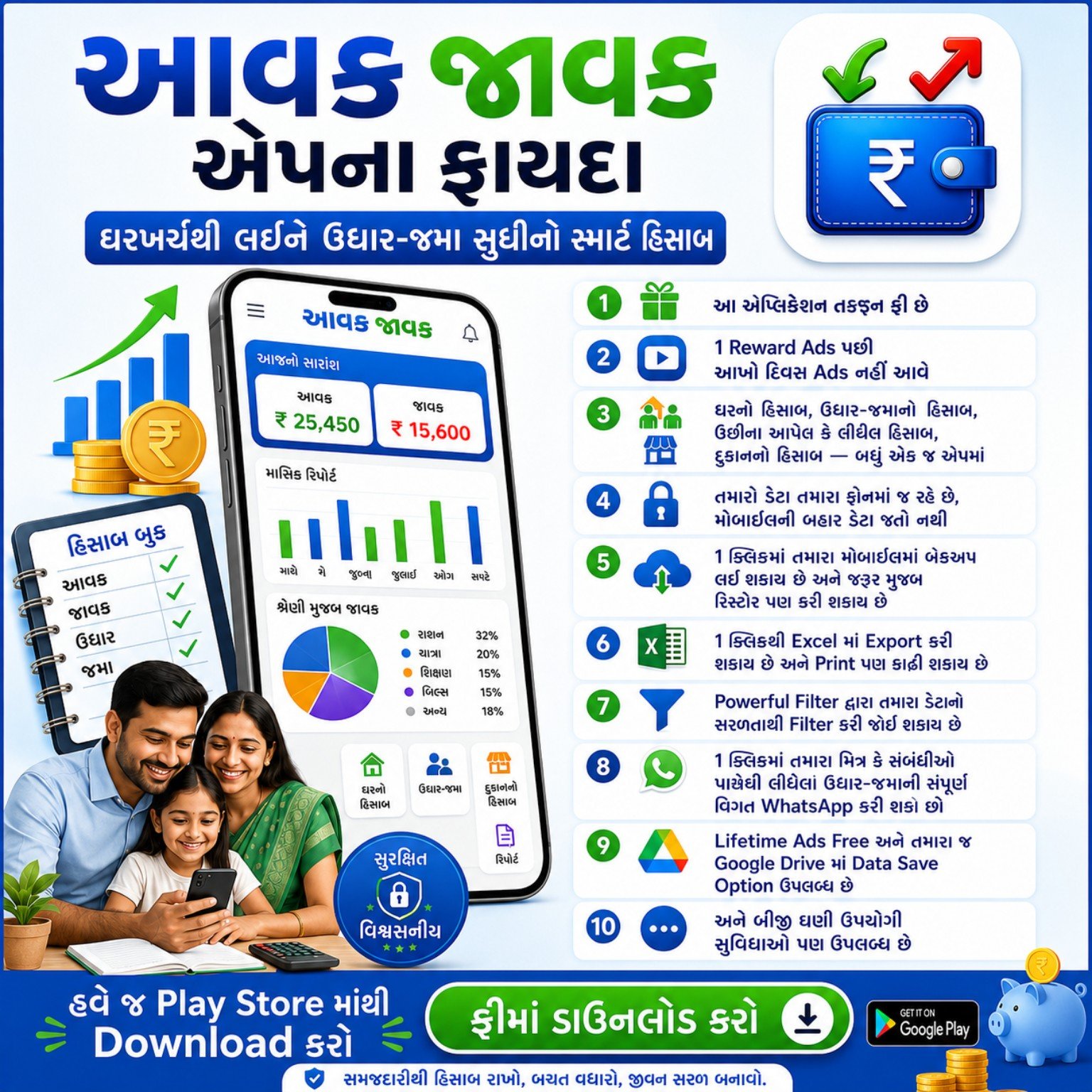
From home expenses to business-style records, Aavak Javak gives you practical tools that are simple, fast and easy to understand.
Track daily income and expenses of your household with clear totals and easy category-based entry.
Keep proper records of money taken from or given to relatives, friends or customers.
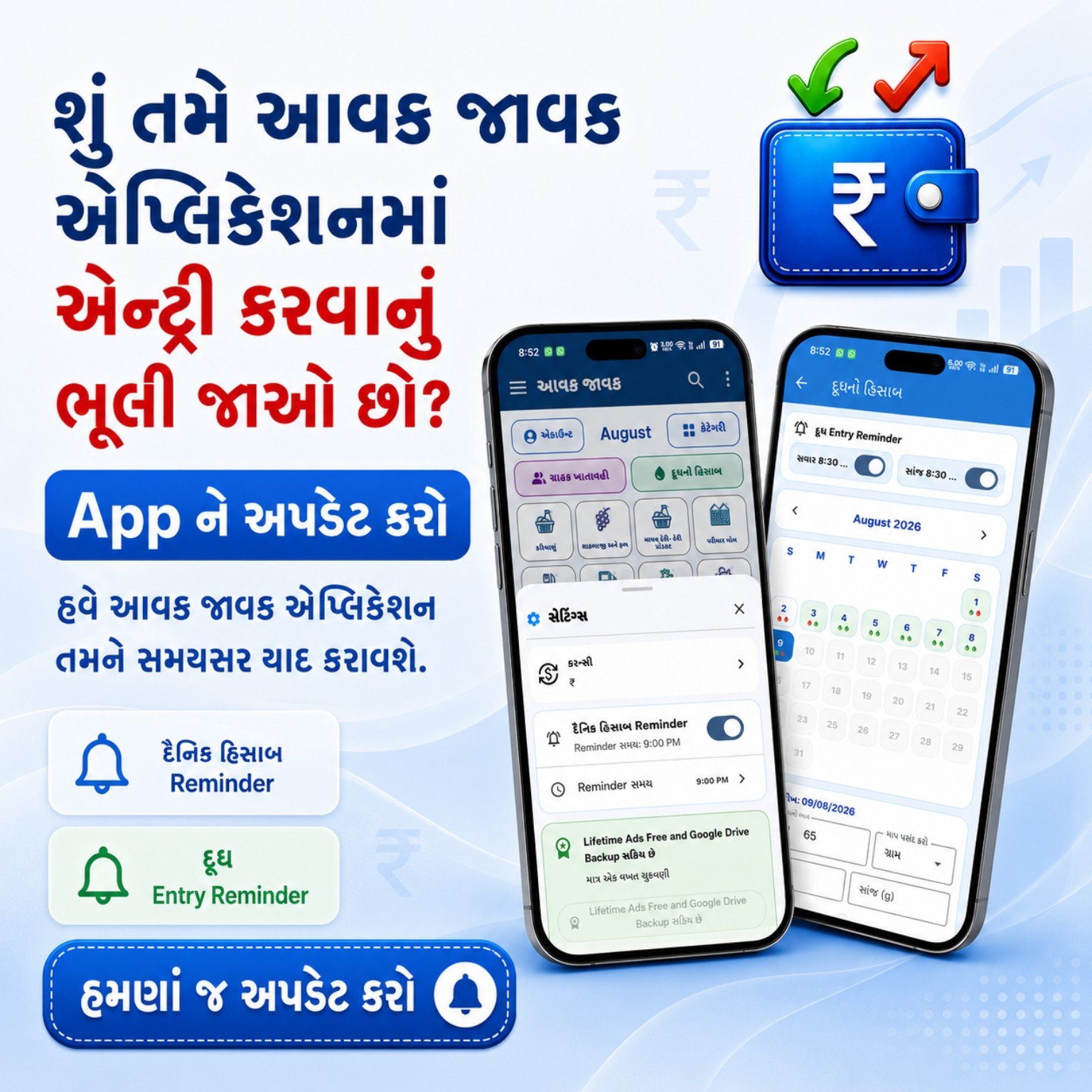
Record morning and evening milk entries and get reminders on time so nothing is missed.
Useful for basic sales, purchase, stock-related records and day-to-day shop management.
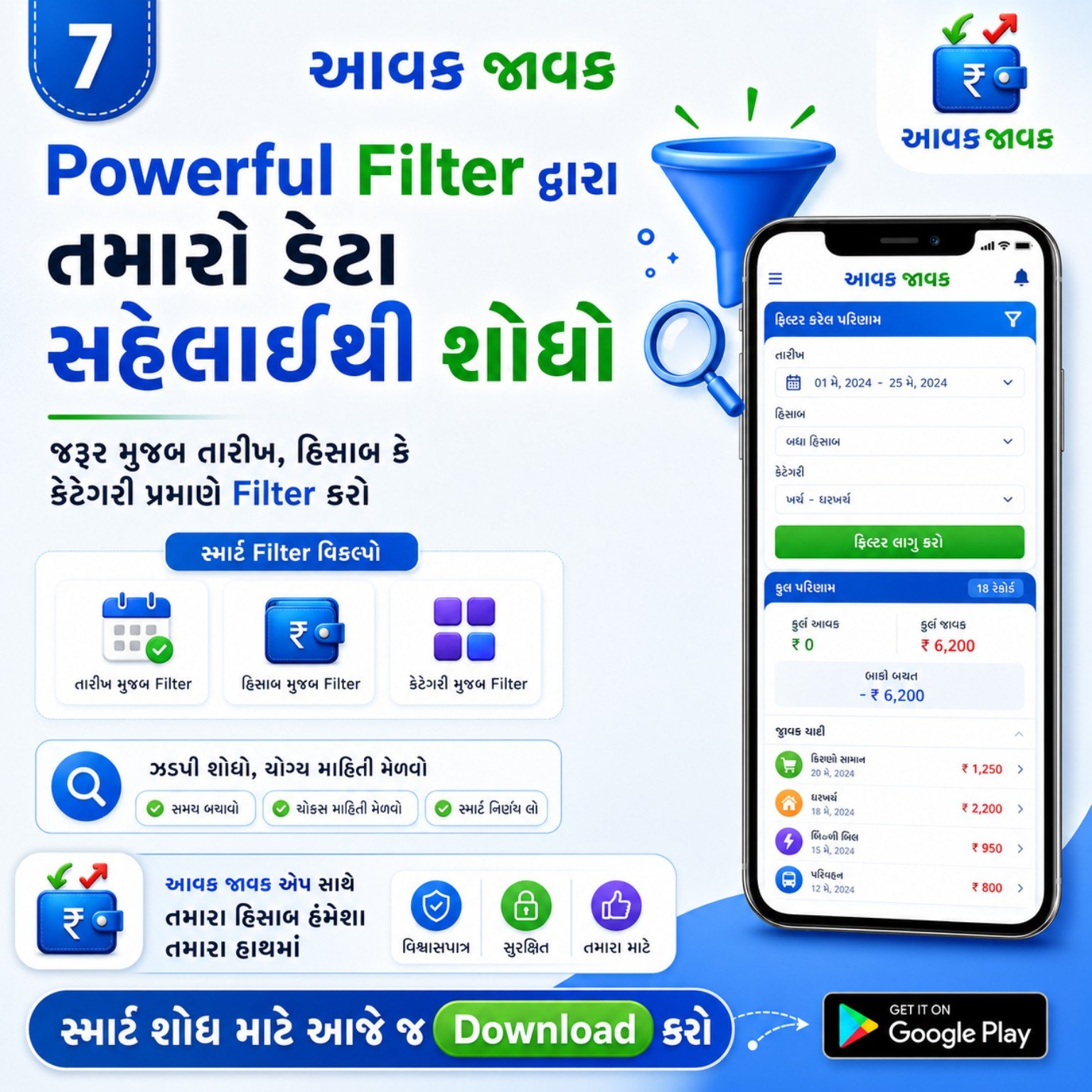
Find records by date, category or account type and understand your spending through smart reports.
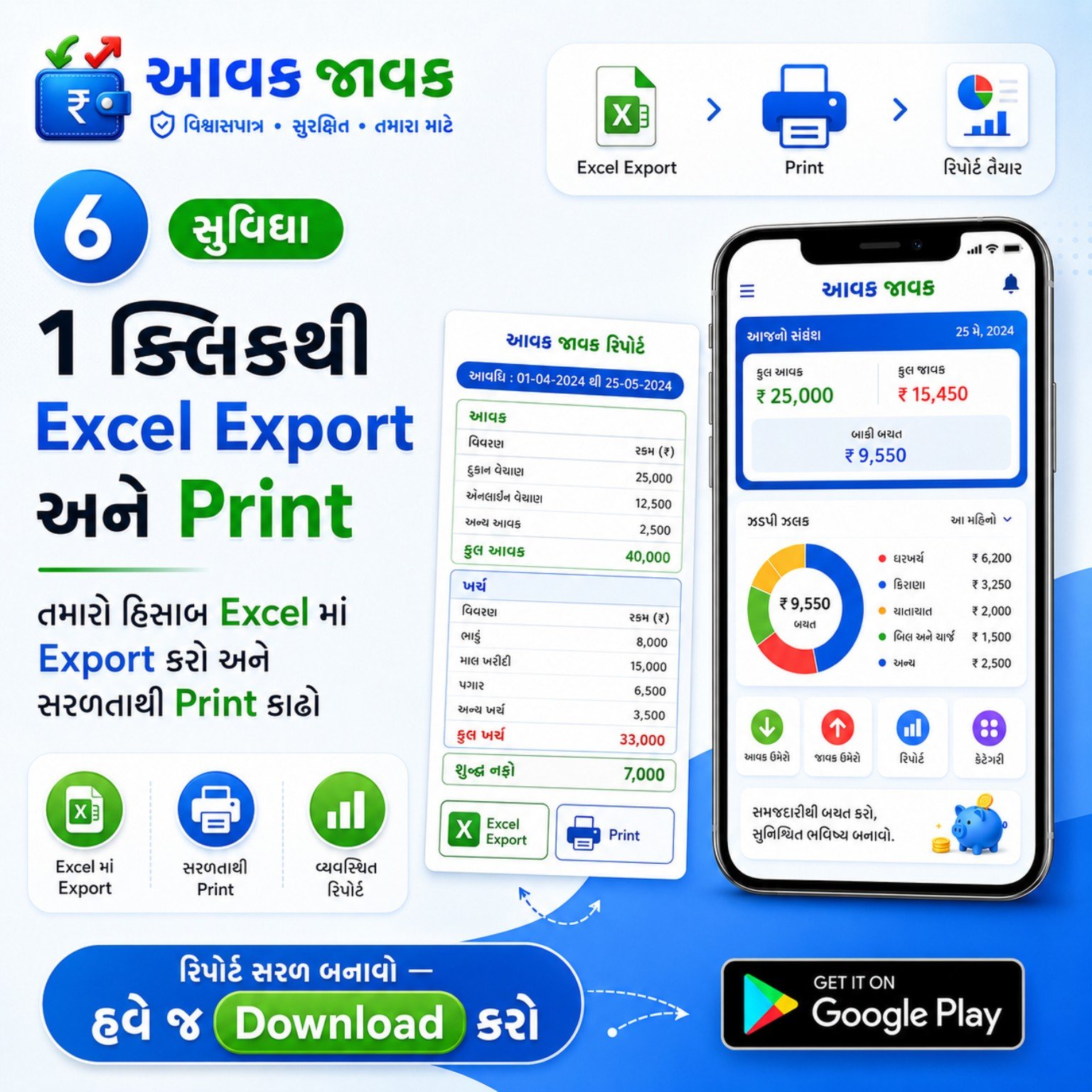
Export data to Excel, print reports and keep business-like documentation of your records.
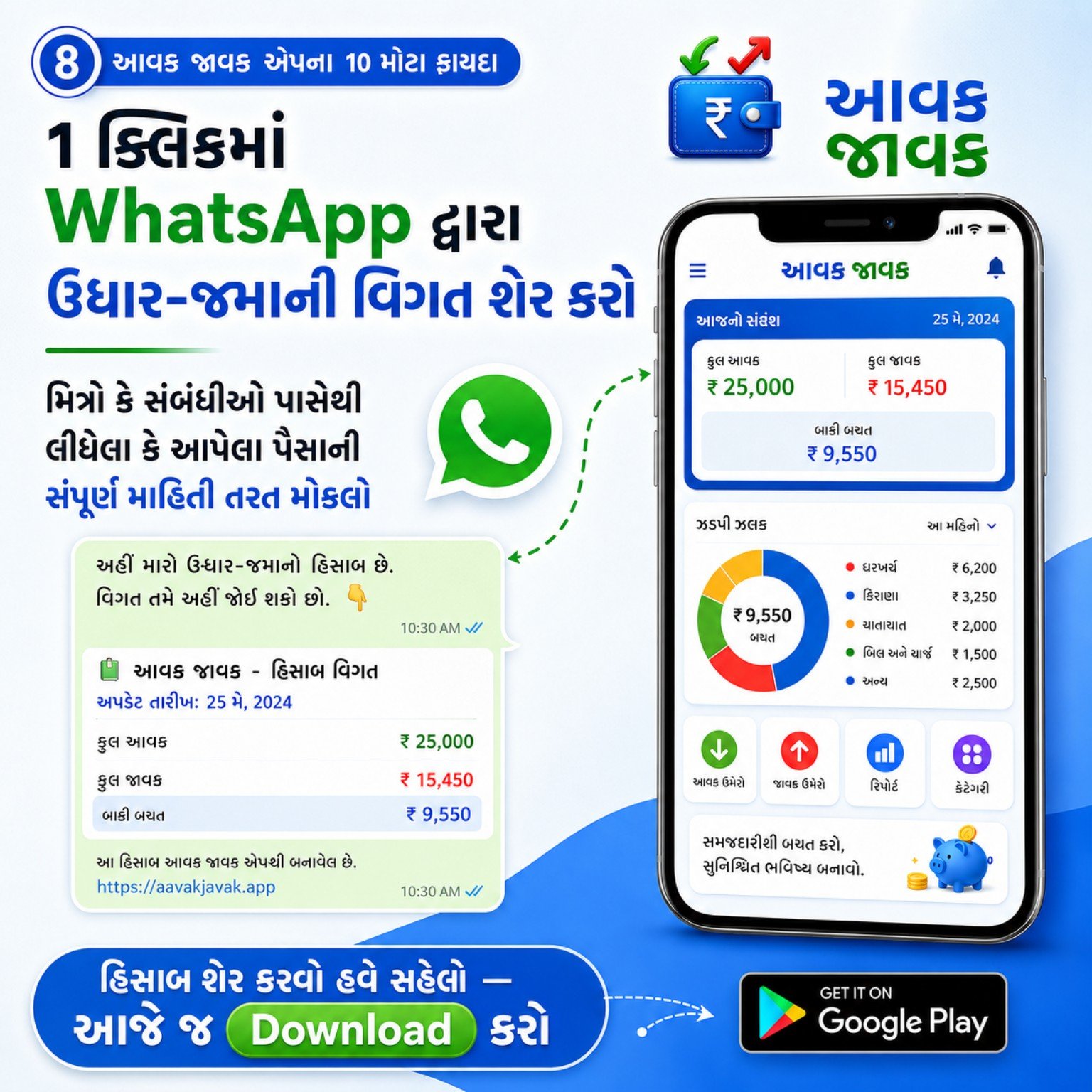
Share udhar-jama details quickly on WhatsApp to send transparent information instantly.
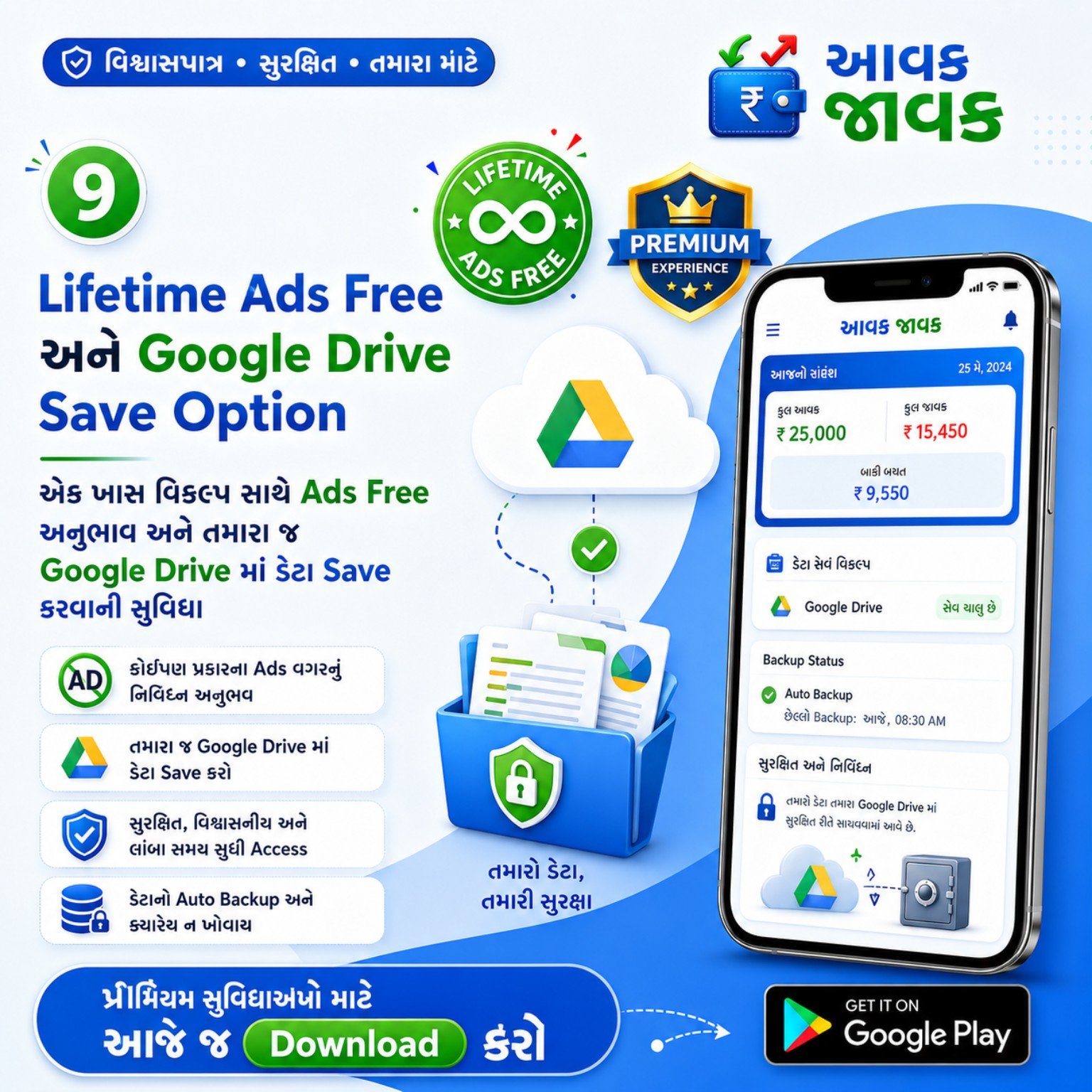
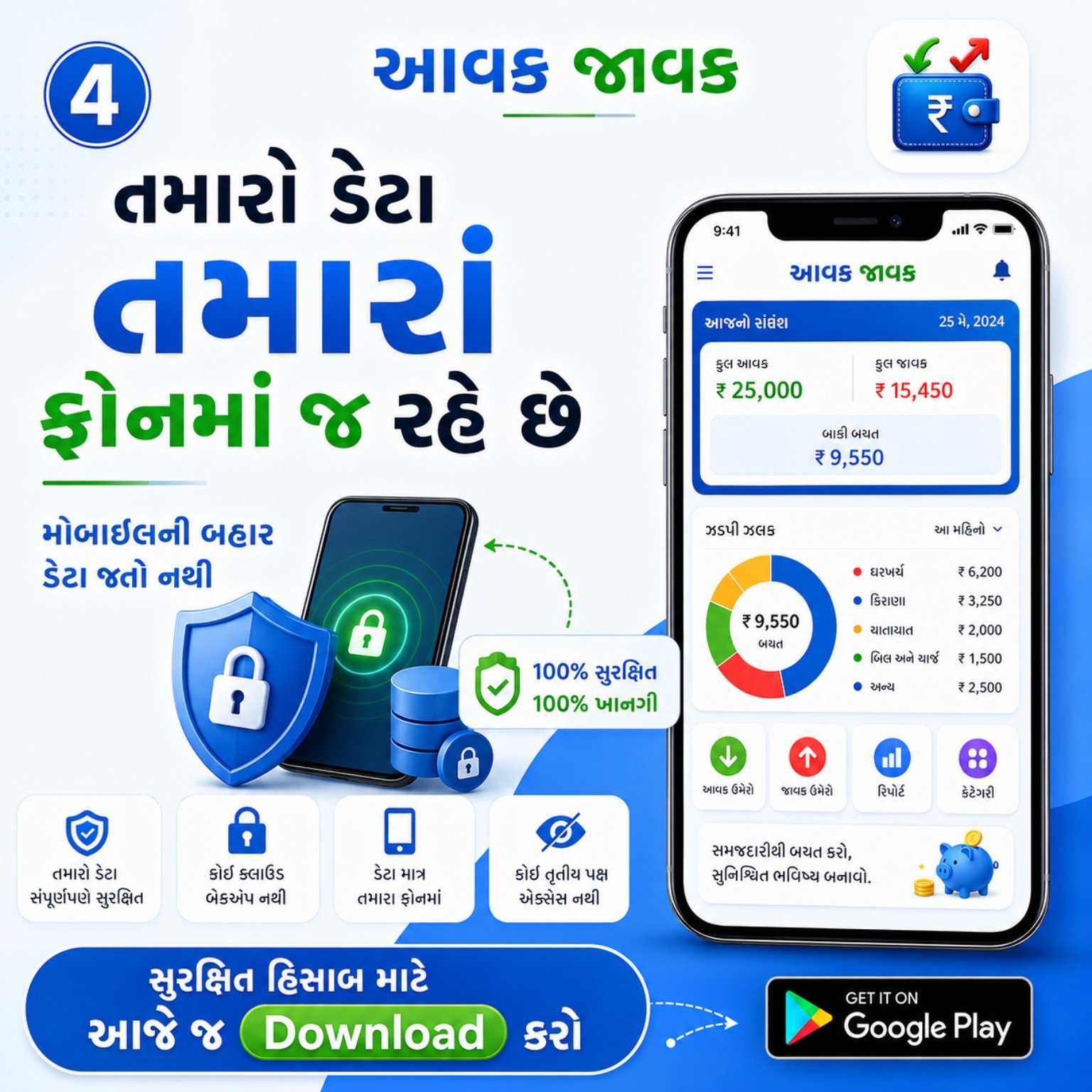
Keep optional backup in your Google Drive with premium support for safety and peace of mind.
New users can get started quickly with these simple steps.
Download Aavak Javak from Google Play Store and open the app.
Use home account, udhar-jama, milk entry or shop account as per your need.
Save daily transactions category-wise to keep an accurate record.
Turn on daily reminder and milk entry reminder so you never forget updates.
Check totals, charts and filters to understand where your money is going.
Share udhar-jama details on WhatsApp or export reports to Excel and print them.
Watch one reward ad and enjoy the day without regular ads.
If you choose premium backup, save important data in Google Drive for future restore.
Aavak Javak is designed for real users who want simplicity, visibility and trust while managing money.
“A clean and useful app to manage daily हिसाब. The reminder and report system make it very practical.”
Useful for everyday accountingThese posters explain the app’s key features, benefits and reasons to use it.

Quick answers for new users.
Yes. The app is free to use, and you can unlock an ads-free day by watching one reward ad. Some premium backup-related options may be separate.
You can manage home income-expense, udhar-jama, milk entries, shop accounts, reports, reminders, sharing and export options.
Yes. You can export reports to Excel and also print them when needed.
The app is designed so your important accounting data stays on your phone, and optional Google Drive backup is available for supported use cases.
For support or questions, contact only through WhatsApp on 7698660366.
Message on WhatsApp for app details, usage guidance, support or download help.